
Skip to content
SquadOS
Theme
Log in

Create images and videos with AI

Describe the scene, pick the model and aspect ratio and generate 1 to 4 images at a time. Edit, make variations, compare side by side and turn an image into video.

  • FLUX and GPT-5.4 Image 2
  • Grok Imagine Video
  • Estimate before you generate
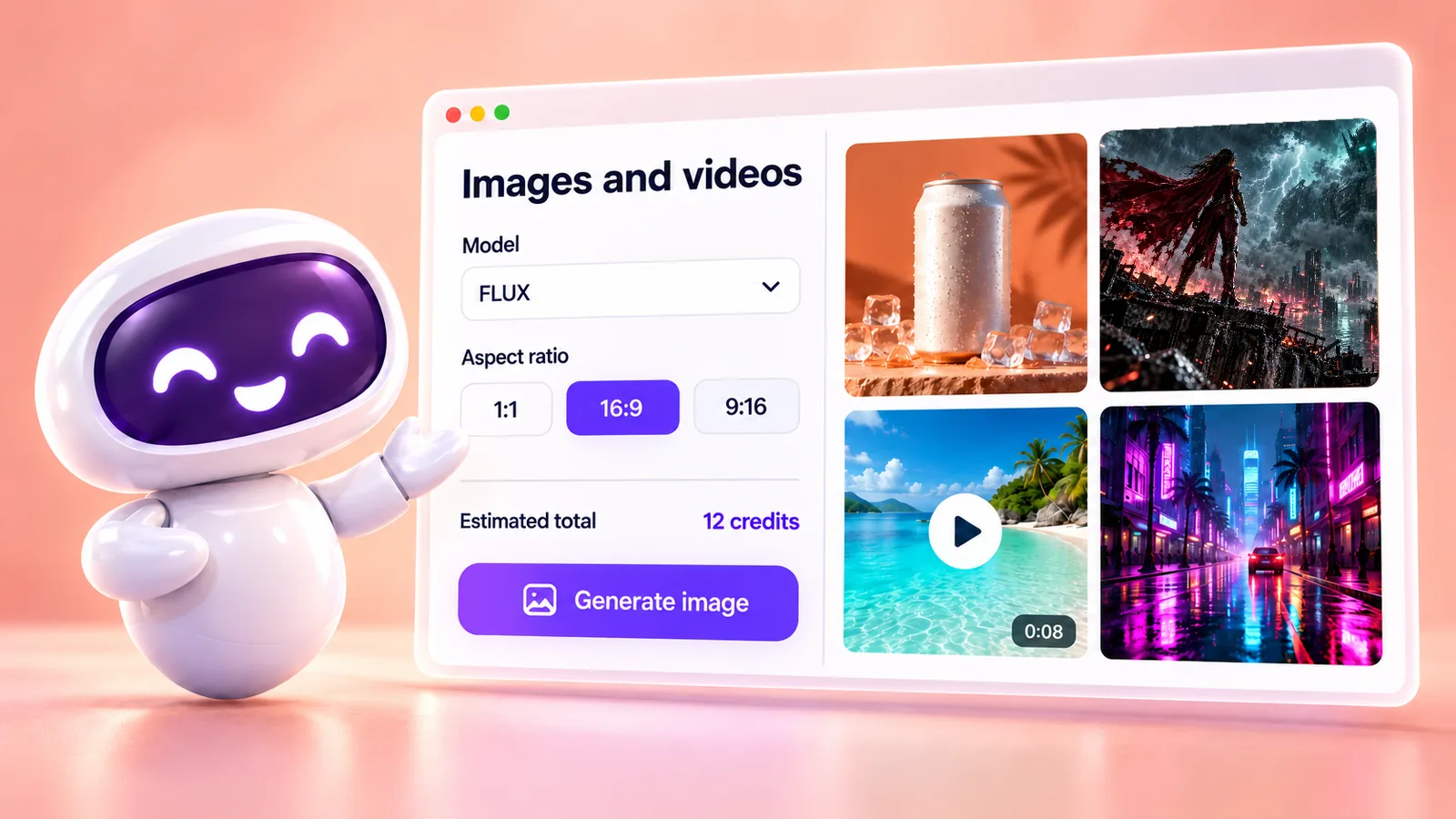
SquadOS mascot next to the Images and videos screen: on the left, the FLUX model, the 1:1, 16:9 and 9:16 aspect ratios, the estimate and the Generate button; on the right, a gallery with an iced coffee can, a superhero scene, a beach video and a neon street at night.

What are SquadOS images and videos?

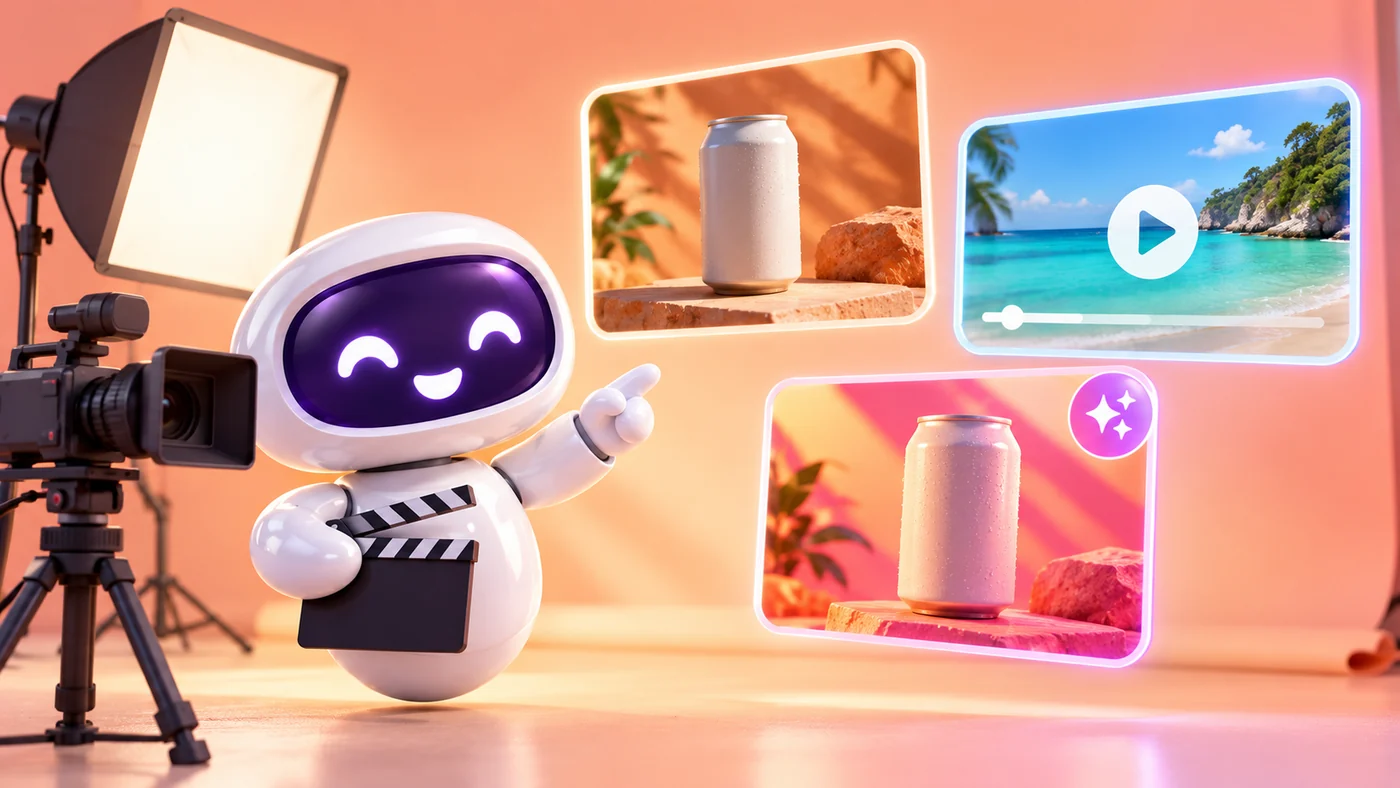
SquadOS mascot directing a small studio set, with a camera and a light, in front of three frames: a photo, a video with a play button and an edited variant.

In Images and videos, in the Hub, you write the prompt and choose image models such as FLUX and GPT-5.4 Image 2, or video models such as Grok Imagine Video. The screen shows the credit estimate before you generate.

Every creation is saved to Files and shows up in Creations, where your organization can view, download and reuse it. Use reference images, ask to edit or vary and compare 2 to 4 results.

References
Cite photos from Files in the prompt with @img1 and @img2.
Edit and vary
The original stays the same; new versions go to Creations.
Compare
2 to 4 images side by side so you can choose.
Improve prompt
A more detailed suggestion, with the cost shown first.

How to create images and videos in SquadOS

From prompt to image, and from image to video. Highlighted names are the buttons and screens of the product.

  1. Step 1: Write the prompt

    In the Hub, under Images and videos, open Create image and describe the scene in the Prompt, or start from Examples.

  2. Step 2: Pick the model and aspect ratio

    Set Model, Aspect ratio and Quantity, from 1 to 4. Check the Total estimate and click Generate image.

  3. Step 3: Edit, vary and compare

    In Creations, use Edit and Vary without losing the original, and Compare to see up to 4 results side by side.

  4. Step 4: Turn it into video

    Open the image and click Create video: it becomes the start frame. Choose duration, resolution and aspect ratio and use Generate video.

How to get images and videos

Image and video creation is part of the paid plans and uses credits per generation. The unlimited chat of Individual Plus does not cover images or videos.

Availability by plan

  • Free

    Not included

    Image and video generation is on the paid plans.

  • Individual Plus

    With credits

    Images and videos with your 10,000 monthly credits, with an estimate before you generate.

  • Business

    With credits

    Images and videos with your organization’s 15,000 credits, saved to Files.

Where to use it

  • Web : Available. Images and videos, in the Hub.
  • Studio : Available. Images can also come from your ChatGPT subscription.

Start in 3 steps

  1. Create your account
  2. Choose your plan
  3. Open Images and videos

The Free plan comes with 100 monthly credits to try SquadOS. In the Hub, select Create image and write your first prompt.

Video reserves the estimated credits and charges the real cost when it is ready. If generation fails before sending, nothing is charged.

Compare SquadOS plans

Individual Plus and Business cost R$99.40 a month for the first 12 months. On the receipt, the separate AI subscriptions add up to R$371.99 a month.

4 separate subscriptions R$371.99

Separate subscriptions

Monthly prices as of Oct 24, 2026

Monthly total R$371.99

Exchange rate: R$5 per US$1

Business

For teams working with agents, rooms and customer service.

was R$14230% off for 12 months

R$99.40 /month

30% off for 12 months, then R$142/month. Billed in Brazilian reais.

Subscribe to Business

SQUADOS30OFF coupon already applied at checkout

15,000 credits a month for the organization

  • No plan limit on the number of users, agents or contacts
  • Rooms, customer service and CRM in one platform
  • Email, automation and AI creation use credits
Explore SquadOS for business

Prefer to start small? Start with the Free plan and 100 credits a month

Third-party monthly prices checked on Oct 24, 2026 on the official sites (linked on the receipt), excluding taxes and promotions. R$5 per US$1 is an assumption, not a live rate. This compares budgets: each product has its own capabilities and terms.

Money-back guarantee · 7 days · Money-back guarantee · 7 days · 7 days

Subscribe with a 7-day guarantee

Use SquadOS for up to 7 days after subscribing. If it is not right for you, request cancellation and a refund through the contact page.

  1. Subscribe
  2. Use it for up to 7 days
  3. Request a refund
Go to the contact page