



Skip to content
SquadOS
Theme
Log in

Create documents, spreadsheets and presentations with AI

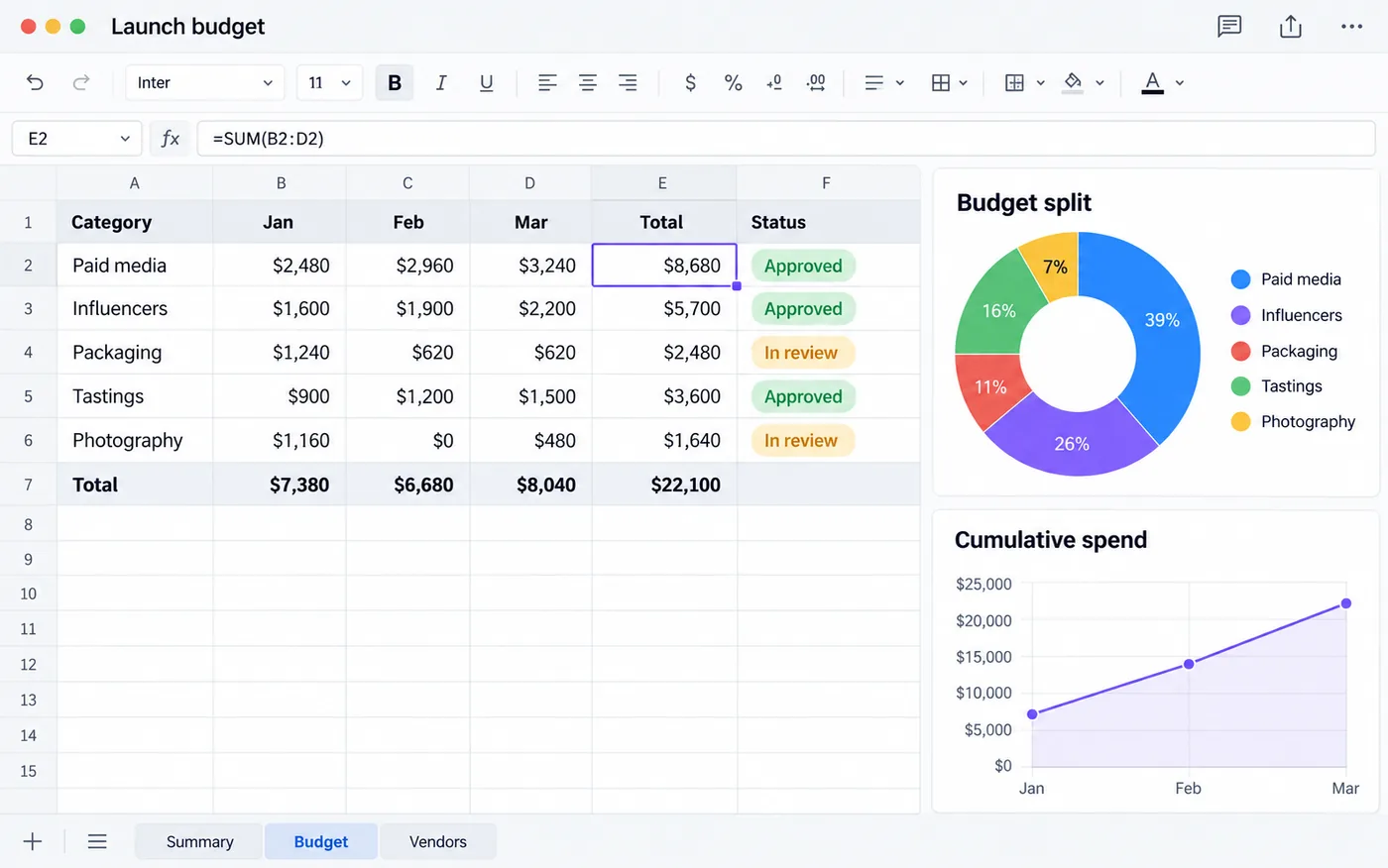
Ask SquadOS Studio and get the file in your folder: a document that exports to Word, an XLSX spreadsheet with sheets and a presentation with thumbnails. Adjust everything in the chat.

  • Exports Word (.docx)
  • Opens XLSX and CSV
  • Windows and macOS
SquadOS mascot in a beret presenting three files it created: a launch plan document, a budget spreadsheet with a chart and the Aurora Iced presentation.

What is AI file creation in SquadOS?

SquadOS mascot at a laptop, with a document, a spreadsheet and a slide deck flying out of a folder.

In Studio, you describe the file and the AI creates the document, spreadsheet or presentation right in the conversation’s working folder. An editor opens alongside so you can review what it made.

The document has word-processor formatting and exports to Word or HTML. The spreadsheet opens XLSX and CSV files with sheets. The presentation opens in the slide viewer, and you ask for changes in the chat.

Document
Headings, lists, tables and export to Word (.docx) or HTML.
Spreadsheet
XLSX and CSV, with sheets you can add, rename and move.
Presentation
Viewer with thumbnails; changes come from the chat.
In your folder
The file stays on your computer; only what is needed goes to the AI provider.

How to create documents, spreadsheets and presentations in Studio

Pick the folder, describe the file and review it in the editor. Highlighted names are the buttons and screens of Studio.

  1. Step 1: Choose what to create

    On the What would you like to create? screen, select Create document, Create spreadsheet or Create a presentation.

  2. Step 2: Start from a template or blank

    Use Start with a template to begin from a ready file, or Start blank. Studio saves it in the conversation folder.

  3. Step 3: Review and ask for changes

    The editor saves on its own. In the spreadsheet, use Add sheet; in the presentation, ask for changes in the chat.

  4. Step 4: Export the file

    In the document, use Export Word (.docx) or Export HTML. The spreadsheet and presentation are already in your folder.

How to get documents, spreadsheets and presentations

File creation is part of SquadOS Studio, the app for Windows and macOS. Sign in with your ChatGPT or Claude subscription, or with your SquadOS account, which uses credits.

Availability by plan

  • Free

    Included in Studio

    Use your ChatGPT or Claude subscription, or the 100 Free credits.

  • Individual Plus

    Included in Studio

    10,000 monthly credits with your SquadOS account. The personal chat ∞ does not apply in Studio.

  • Business

    Included in Studio

    15,000 monthly credits from your organization, with company models and branding.

Where to use it

  • Studio : Available. 64-bit Windows and macOS 13 or later.
  • Mobile : Available. Follow your Studio conversations in the app.
  • Web Not available File creation lives in Studio.

Start in 3 steps

  1. Create your account
  2. Choose your plan
  3. Download Studio

The Free plan comes with 100 monthly credits to try SquadOS. Install it, pick a working folder and select Create document.

Compare SquadOS plans

Individual Plus and Business cost R$99.40 a month for the first 12 months. On the receipt, the separate AI subscriptions add up to R$371.99 a month.

4 separate subscriptions R$371.99

Separate subscriptions

Monthly prices as of Oct 24, 2026

Monthly total R$371.99

Exchange rate: R$5 per US$1

Business

For teams working with agents, rooms and customer service.

was R$14230% off for 12 months

R$99.40 /month

30% off for 12 months, then R$142/month. Billed in Brazilian reais.

Subscribe to Business

SQUADOS30OFF coupon already applied at checkout

15,000 credits a month for the organization

  • No plan limit on the number of users, agents or contacts
  • Rooms, customer service and CRM in one platform
  • Email, automation and AI creation use credits
Explore SquadOS for business

Prefer to start small? Start with the Free plan and 100 credits a month

Third-party monthly prices checked on Oct 24, 2026 on the official sites (linked on the receipt), excluding taxes and promotions. R$5 per US$1 is an assumption, not a live rate. This compares budgets: each product has its own capabilities and terms.

Money-back guarantee · 7 days · Money-back guarantee · 7 days · 7 days

Subscribe with a 7-day guarantee

Use SquadOS for up to 7 days after subscribing. If it is not right for you, request cancellation and a refund through the contact page.

  1. Subscribe
  2. Use it for up to 7 days
  3. Request a refund
Go to the contact page