
Skip to content
SquadOS
Theme
Log in

Create AI agents for everyday tasks

Describe the job to AgentMaker and get an agent with instructions, a model, tools and a knowledge base. Test the saved version, then chat with it in the Hub or on a channel.

  • Available on the Free plan
  • AgentMaker included
  • Review before saving
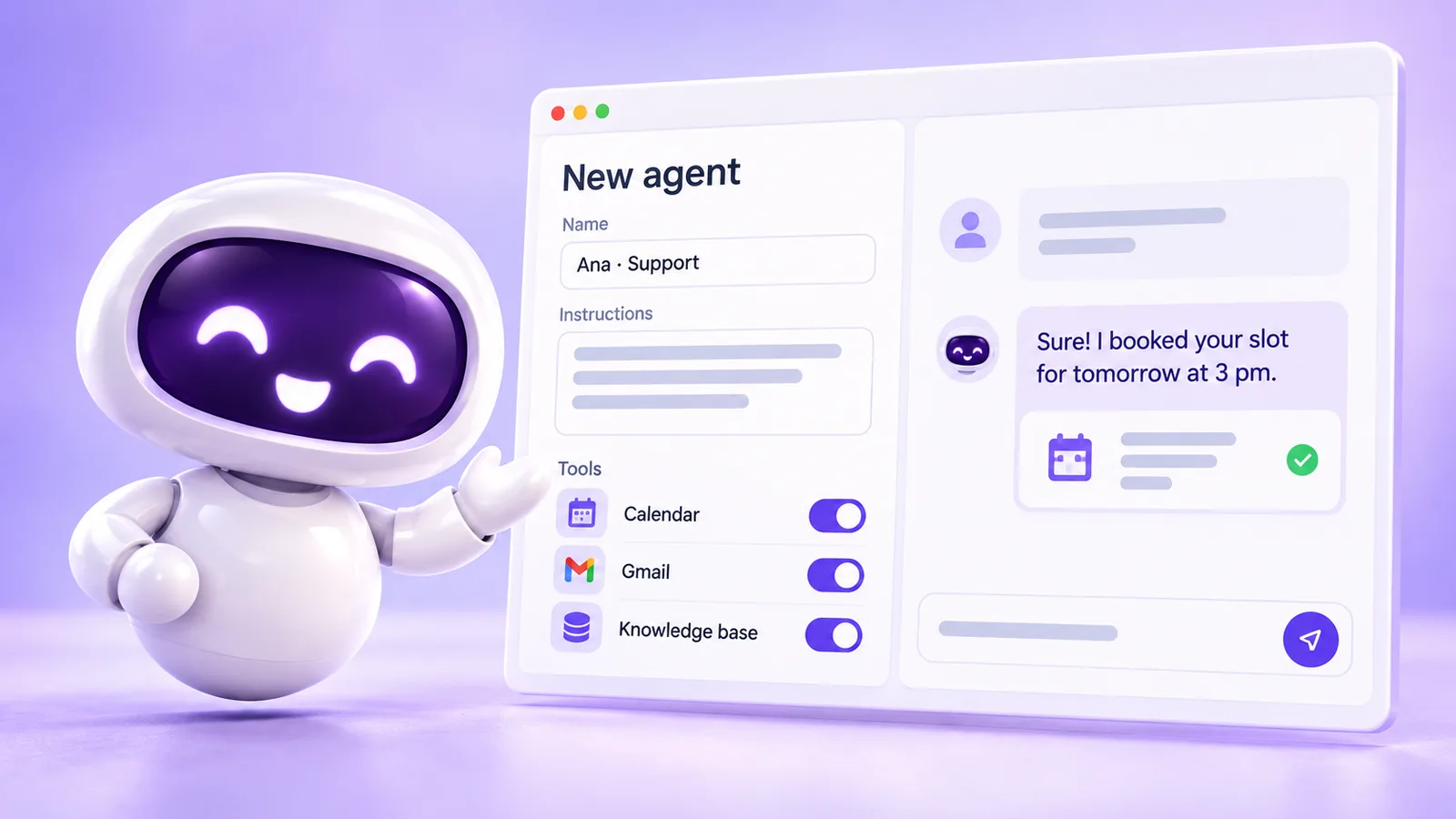
SquadOS mascot next to the editor of a new agent, with name, instructions and the Calendar, Gmail and Knowledge base tools turned on, and the agent confirming a time slot in the chat.

What is an AI agent in SquadOS?

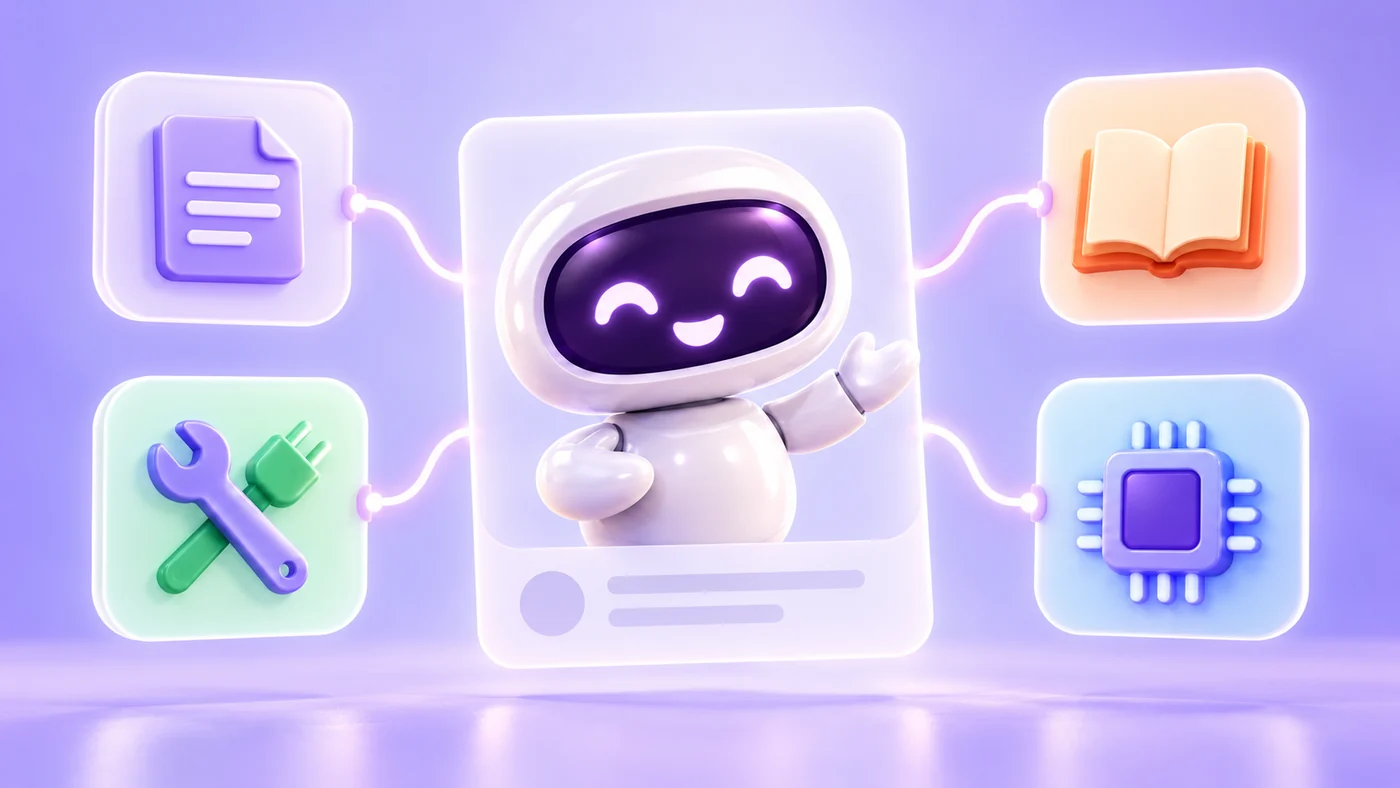
SquadOS mascot at the center of an agent card, wired to four tiles: instructions, tools, knowledge and AI model.

An agent brings together instructions, an AI model, tools, knowledge and safety rules. That setup defines what it answers and what it can do in a conversation, with you in the Hub or with a customer on a channel.

You don't need to code. AgentMaker reads the agent's saved prompt, tools, bases and model and suggests changes, which only apply after your review. Tests always use the saved version.

Instructions
Role, goal, tone and limits, written in plain language.
Tools
Calendar, Gmail, CRM and dozens of integrations, turned on per agent.
Knowledge
Bases with your documents, plus AutoLearn to find the gaps.
Model
“Cheapest”, “Best value” and “Best performance” shortcuts.

How to create an AI agent in SquadOS

From request to tested agent, without code. Highlighted names are the buttons and screens of the product.

  1. Step 1: Describe the agent

    In Agents, select New Agent and give it a name that says its job. The editor opens with AgentMaker beside it to write the instructions with you.

  2. Step 2: Connect tools and knowledge

    In Tools, turn on only the actions the agent should take. In Knowledge, link the bases with your documents.

  3. Step 3: Pick the model and test

    In Model, compare cost and capability. Then select Test Agent: tests always use the saved version.

  4. Step 4: Chat in the Hub or connect a channel

    In the Hub, open Agents and use New Conversation. To serve customers, connect WhatsApp, Instagram or email in Inboxes.

How to get AI agents

Creating and configuring agents is part of every plan. What changes are the credits for replies and the unlimited chat of Individual Plus on selected models.

Availability by plan

  • Free

    Included

    Create, test and chat with agents using 100 monthly credits.

  • Individual Plus

    ∞ in personal chat

    10,000 monthly credits and unlimited chat with your agents on selected models.

  • Business

    Included

    15,000 monthly credits for the team, with no limit on users or agents.

Where to use it

  • Web : Available. Create and configure in the dashboard.
  • Mobile : Available. Chat with your agents in the app.
  • Studio Not available Agents are created on the Web.

Start in 3 steps

  1. Create your account
  2. Choose your plan
  3. Open Agents

The Free plan comes with 100 monthly credits to try SquadOS. In the dashboard, select New Agent and start with AgentMaker.

Compare SquadOS plans

Individual Plus and Business cost R$99.40 a month for the first 12 months. On the receipt, the separate AI subscriptions add up to R$371.99 a month.

4 separate subscriptions R$371.99

Separate subscriptions

Monthly prices as of Oct 24, 2026

Monthly total R$371.99

Exchange rate: R$5 per US$1

Business

For teams working with agents, rooms and customer service.

was R$14230% off for 12 months

R$99.40 /month

30% off for 12 months, then R$142/month. Billed in Brazilian reais.

Subscribe to Business

SQUADOS30OFF coupon already applied at checkout

15,000 credits a month for the organization

  • No plan limit on the number of users, agents or contacts
  • Rooms, customer service and CRM in one platform
  • Email, automation and AI creation use credits
Explore SquadOS for business

Prefer to start small? Start with the Free plan and 100 credits a month

Third-party monthly prices checked on Oct 24, 2026 on the official sites (linked on the receipt), excluding taxes and promotions. R$5 per US$1 is an assumption, not a live rate. This compares budgets: each product has its own capabilities and terms.

Money-back guarantee · 7 days · Money-back guarantee · 7 days · 7 days

Subscribe with a 7-day guarantee

Use SquadOS for up to 7 days after subscribing. If it is not right for you, request cancellation and a refund through the contact page.

  1. Subscribe
  2. Use it for up to 7 days
  3. Request a refund
Go to the contact page