Creating Your Account
Your account gives you access to the admin panel (to configure the organization) and the Agent Hub (to chat with agents as an end user).
Sign-up
Section titled “Sign-up”The /signup page asks for Name, Email, Password, and Confirm Password, plus accepting the terms. The Create my account button only enables after you check the agreement:
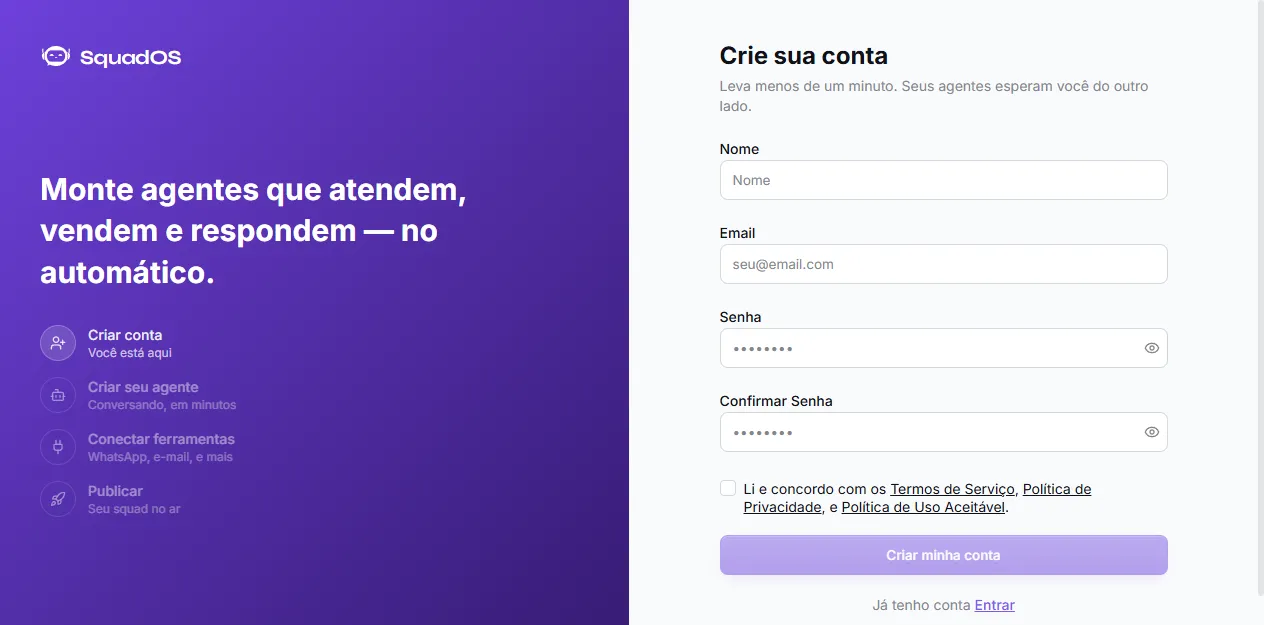
Password must be at least 6 characters. After creating your account, you get a confirmation email — confirm it to sign in.
Already have an account? Use the I already have an account · Sign in link at the bottom of the form.
Sign in
Section titled “Sign in”The /admin/auth page is the login screen, under the “Admin Panel” title:
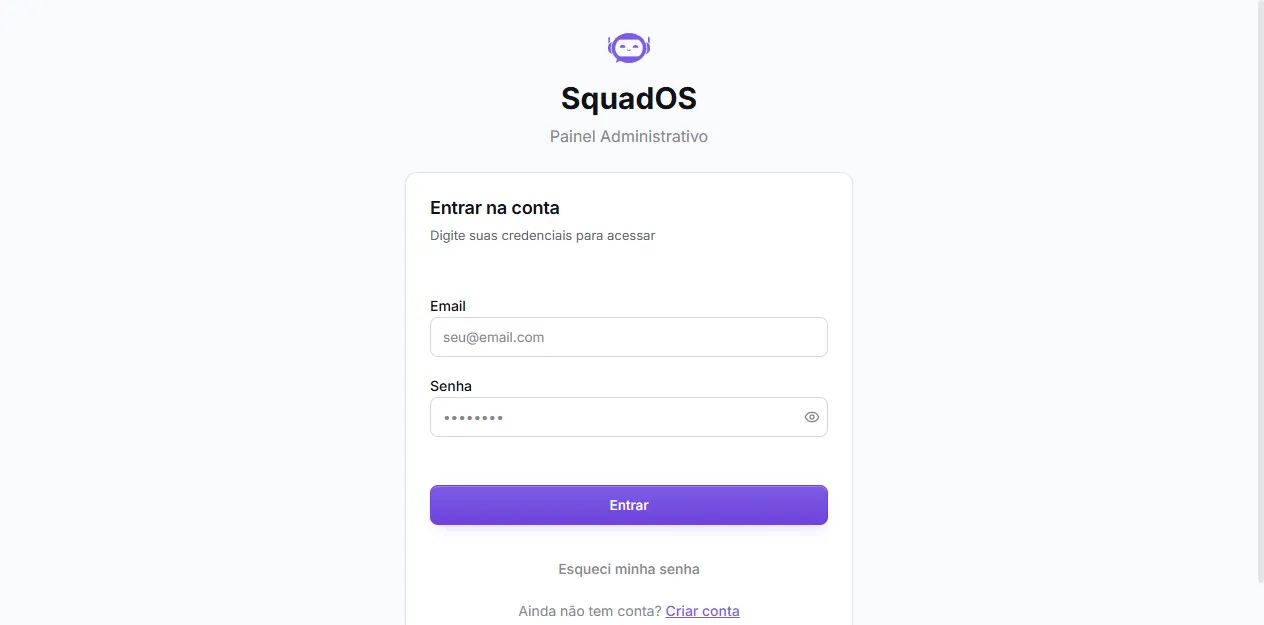
To sign in, all you need is email and password. If you forget your password, use the Forgot my password link right below the Sign in button. Don’t have an account yet? The Create account link takes you to the sign-up page.
Where you land after login
Section titled “Where you land after login”SquadOS redirects based on your role:
- Admin, Owner, Collaborator → admin panel (
/admin/dashboard) - User → Agent Hub (
/hub/agents)
If you expect admin access but ended up on the Hub, ask an admin to review your role in Users (see Users and Roles).
Switching between Admin and Hub
Section titled “Switching between Admin and Hub”Admins can reach the Hub at any time through the Agent Hub link at the bottom of the admin panel sidebar. Inside the Hub, an Admin Panel link sends you back.